
Mobile App
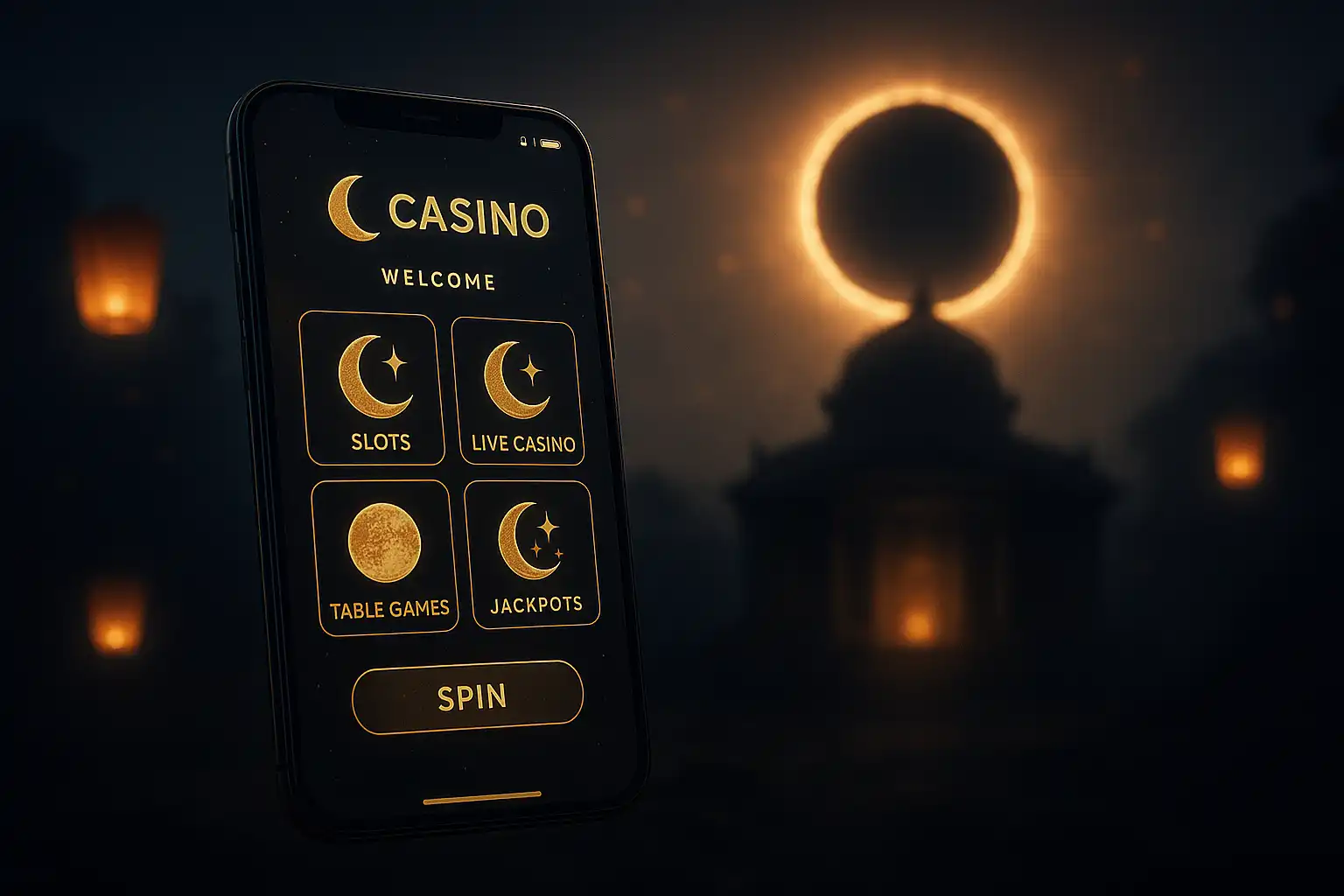
Play Anywhere Under the Eclipse
The stone arches of the temple are not confined to a desktop screen. The LunaLoots mobile app carries the same slots floor, roulette tables and sportsbook into a pocket-sized package, built for players who want to check a live score, spin a few reels on a commute or top up a deposit between errands. The app is a progressive companion to the mobile browser site, trading a small install step for faster load times, quick-launch shortcuts and push notifications that the browser cannot offer.
Installing the App
LunaLoots keeps installation simple and does not require a third-party app store detour for Android users:
- Open the LunaLoots site on a mobile browser and tap the “Get the App” banner from the account menu.
- Android - download the APK package directly and allow installation from the browser when prompted.
- iOS - add the site to the home screen through the browser share menu, which creates a full-screen app-like icon.
- Log in with an existing account or register directly from the app’s welcome screen.
- Enable push notifications when prompted to receive alerts on bonuses and sportsbook results.
The whole process takes under two minutes on a typical mobile connection, and no separate account is needed between the app and the browser version, since both sync to the same wallet in real time.
What Changes on Mobile
Most of the core experience carries over identically, but a few things are tuned specifically for a smaller screen and touch input:
- Quick-launch dock - the last five played games sit in a persistent dock at the bottom of the lobby.
- One-hand navigation - menus and the cashier are positioned within thumb reach on both tall and compact phones.
- Biometric login - fingerprint or face unlock replaces typing a password on supported devices.
- Push alerts - deposit confirmations, bonus expiry warnings and live betting odds shifts arrive as native notifications.
- Data-saver mode - a toggle in settings reduces background image loading on slower mobile connections.
Performance and Compatibility
| Requirement | Android | iOS |
|---|---|---|
| Minimum OS version | Android 8.0 | iOS 14 |
| Storage needed | ~45 MB | ~40 MB (home screen icon, minimal storage) |
| Connection | 3G minimum, Wi-Fi or 4G recommended | 3G minimum, Wi-Fi or 4G recommended |
| Biometric login | Fingerprint sensor required | Face ID or Touch ID required |
The app is built to stay light on storage and battery, since most of the heavier assets (game engines, high-resolution art) stream on demand rather than bundling into the initial install package.
Mobile-Exclusive Perks
Players who install the app and opt into notifications occasionally receive app-only spins or deposit boosts that do not appear on the desktop site, as a small reward for the extra step of installing. These promotions rotate and are flagged clearly inside the app’s promotions tab rather than hidden in fine print, so there is no need to hunt through settings to find them.
Security on Mobile
The app inherits the same SSL encryption and licensing coverage as the desktop site, and biometric login adds an extra layer of protection against unauthorised access if a phone is lost or borrowed. Session timeouts can be configured from account settings, automatically logging out an idle session after a set period, which is a useful habit for anyone who plays on a shared or public device.
Troubleshooting Common Issues
Occasionally a game may fail to load on a weaker connection, or a push notification may arrive late due to background battery optimisation settings on some Android devices. Clearing the app cache from the phone’s settings menu resolves the vast majority of load issues, and disabling aggressive battery optimisation for the app ensures notifications and live odds updates arrive promptly. For anything that persists beyond a cache clear, the in-app live chat connects directly to the same support team available on desktop, with no need to repeat account details across channels.
App Games Selection
The full slots floor, including featured titles like Chilli Heat Spicy Spins, Rise of Merlin and Gates of Olympus Super Scatter, runs natively inside the app with no reduced mobile-only catalogue. Live roulette tables stream at a slightly compressed bitrate by default to save mobile data, with a manual toggle available in video settings for players on unlimited data plans who prefer full resolution. The sportsbook carries identical markets to desktop, including live in-play betting with the same cash-out options.
Battery and Data Usage
Streaming live dealer tables is the most battery and data-intensive activity inside the app, so players planning a longer live roulette session away from Wi-Fi should keep an eye on both signal strength and battery level. The data-saver toggle mentioned earlier reduces lobby thumbnail quality and background animations, which noticeably extends both battery life and mobile data efficiency during a long sportsbook or slots session on the move.
Notifications Worth Enabling
Not every push notification needs to stay on, and the app allows granular control over which alerts arrive:
- Bonus credited and bonus expiry warnings, recommended for all players to avoid losing unused wagering time.
- Deposit and withdrawal confirmations, useful for keeping a running mental record of account activity.
- Live sportsbook odds boosts on followed teams or leagues, optional for players focused mainly on slots.
- New game releases, optional and easily disabled for players who prefer to browse the lobby manually.
Support Inside the App
The same live chat and email support available on desktop is accessible from a persistent help icon inside the app, and support agents can see account history regardless of which platform a player used to open the conversation. This means a question started on desktop can be picked up seamlessly from a phone later in the day without repeating account verification steps.
Why Play on the App
Between quicker load times, biometric login, push alerts on bonus expiry and the occasional app-only perk, the mobile app trims friction out of a daily play routine without cutting any game or feature from the full LunaLoots catalogue. For players who already spend most of their browsing time on a phone, it is the more natural home for the eclipse temple experience.